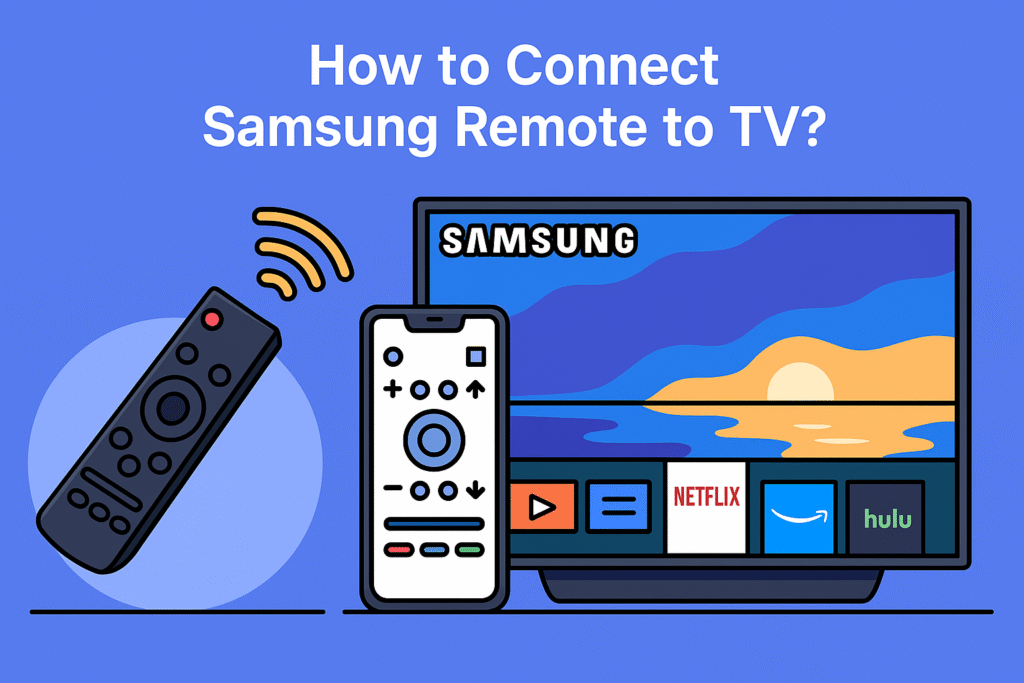

Remotes get lost, break, or stop working. When that happens, you’re left trying to figure out which replacement remote for Samsung Smart TV will actually work without giving you headaches.
This guide is designed to help you make that decision. We’ll go through the main reasons you may need a replacement, the types of remotes available, the most important features to look for, and finally review some of the best options you can buy in 2026.
Types of Replacement Remotes for Samsung Smart TV
When you’re choosing a new remote, it’s useful to understand the different types available:
1. Official Samsung Remotes
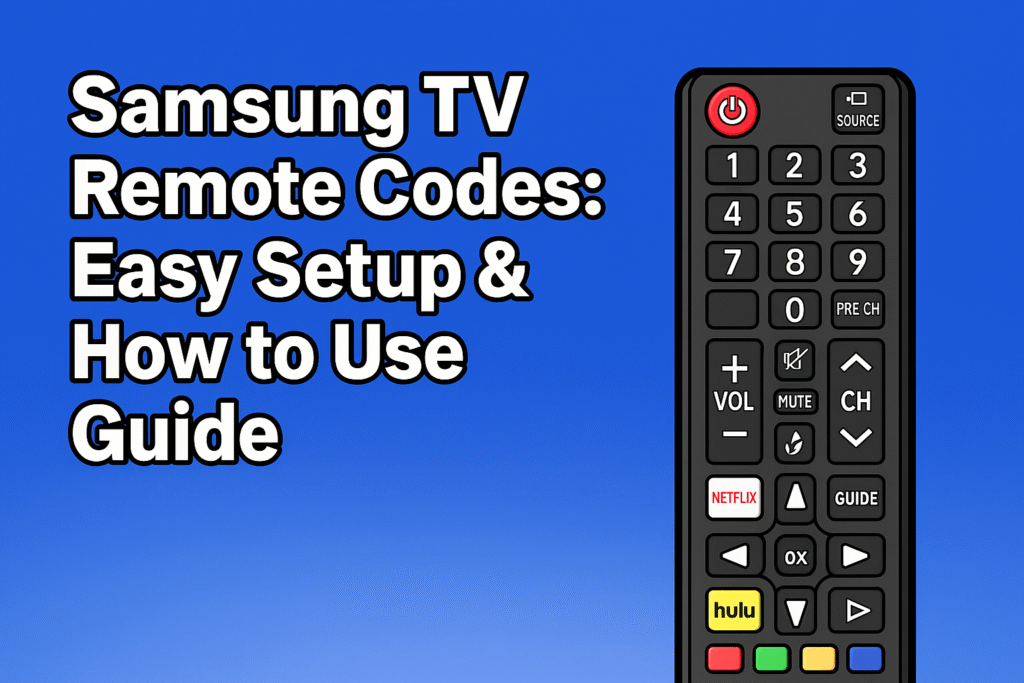
These are made by Samsung and are usually the easiest to use. Without programming support, these remotes work with all the features of your Smart TV. But compared to universal or third-party Remotes, these remotes are more expensive. Because they have more features than others.
If you want detailed information on remote types and functions, check this TV Remote Controls Guide
| Product | Review Highlights | Why It’s Great | Link |
| Samsung Smart Remote (SolarCell) | Eco-friendly solar-powered design; eliminates the need for battery replacements. | Sustainable choice with modern aesthetics. | Link |
| Samsung Voice Remote | Built-in microphone for voice commands; enhances hands-free control. | Convenient for users who prefer voice interaction. | Link |
| Samsung Replacement Remote (OEM) | Original equipment manufacturer (OEM) part; ensures full compatibility. | Perfect for replacing lost or damaged original remotes. | Link |
2. Universal Remotes
These are designed to control not only your Samsung TV but also other devices like soundbars, Blu-ray players, and streaming sticks. They require setup or programming, but can replace multiple remotes with just one.
Universal Remotes can control many devices, not only Samsung TVs. It controls soundbars and streaming sticks. These remotes need to be set up to replace multiple remotes. With this one remote, you can handle many devices.
To explore expert recommendations on top universal remotes, see this trusted source:
| Product | Review Highlights | Why It’s Great | Purchase Link |
| Logitech Harmony Elite | Has a touchscreen, battery rechargeability, and can control up to 15 devices | Ideal for home theaters with multiple devices. | Link |
| GE Universal Remote | Can control TVs, streaming boxes, and multiple devices with a simple setup. | Useful and Budget-friendly. | Link |
| Inteset 4-in-1 Universal Remote | Pre-programmed for popular devices; includes backlit keys. | Great for users with multiple streaming devices. | Link |
3. Third-Party Samsung-Compatible Remotes
These Remotes are designed for Samsung TVs, but made by other manufacturers. These Remotes are very simple. Also affordable and user-friendly, but these Remotes don’t have advanced features like a voice assistant.
We see that people regularly use their remotes but don’t properly maintain them. To keep your remote long-lasting, you should clean and maintain your TV remote regularly. However, if you still feel that you need a remote that matches your existing TV, you can check out the best products from the chart below.
|
Samsung-TV-Remote Control Compatible for All |
Supports IR and Bluetooth devices; includes app control. |
Great for users with a mix of device types. |
4. Smart Remotes with advanced features
Some smart remotes have voice control features. These remotes let you search or control your TV without pressing remote buttons and watch TV without remote. All these remotes work effectively with newer Samsung Smart TVs.
| Product Title | Review Highlights | Why It’s Great | Link |
| Roku Voice Remote Pro (2nd Edition) | listing battery supply, backlit buttons, and easy setup. | Has features like voice control and USB-C charging. | Link |
| URC MX-990 Complete Control | Offers a large LCD screen and is lightweight. | Controls up to 255 devices with IR/RF capabilities. | Link |
| Solar TV Remote for Samsung Smart TV | Utilizes solar energy for charging, reducing battery replacements. | Controls up to 8 devices and features app buttons for quick access. | Link |
Best Replacement Remotes for Samsung Smart TV
Here are some quality full Replacement Remotes for your Samsung Smart TV. Each of them has different features and options, so you can easily decide which Remote is most suitable and fulfill your needs.
1. Official Samsung Smart TV Remote (BN59 Series)
The Samsung BN59 series remote is one of the most common official replacements. It’s simple, works with many Samsung TVs, and usually doesn’t require setup.
2. Samsung One Remote with Voice Control
You can pair up many types of Samsung Smart TVs, like QLED and 4K models, with the Samsung One Remote. If your Smart TV supports Samsung One Remote, it will be a good option for you.
For learning more about voice features, check this: Voice Commands Smart TV Remote
It combines simplicity with advanced features like voice search.
3. Logitech Harmony Universal Remote
Logitech Harmony Companion works with Samsung TV and also controls many kinds of devices, like sound systems and smart home gadgets. It also works with voice control.
4. Sofabaton U1 or U2 Universal Remote
If you want an affordable and classy Universal Remote, the Sofabaton U1/U2 will be a good option. It works with thousands of devices, including Samsung Smart TVs.
5. Third-Party Samsung-Compatible Remote (Budget Pick)
Many generic brands make Samsung-compatible remotes that look almost identical to the original. These are great if you just want something cheap and functional.
6. Backlit or Rechargeable Remotes
People who watch movies or TV shows at night, a backlit remote makes it easier to see the buttons. Also have rechargeable batteries, so you don’t need to buy new remotes.
Key Features to Look For in a Replacement Remote
Replacement Remote Features
Not all types of Replacement remotes give you the same Features. Before buying a remote, check these key features:
- Compatibility – Always check your remote to see if it is compatible with your Samsung TV model.
- Ease of setup – Some remote has an easy setup, but some replacement remotes need pairing.
- Build quality – Choose those remotes that have a long lifespan.
- Features are very important. Touchpads, Backlit buttons, and voice control give you an amazing experience.
- Multi-device control – choose those remotes that can control your multiple devices, like a universal remote.
- Price vs. value – before buying, think about your needs. Need basic remote or want advanced features.
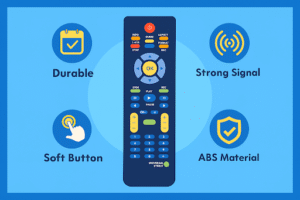
Comparison Table – Best Samsung Replacement Remotes
| Remote Type | Best For | Features | Price Range | Downsides |
| Samsung BN59 Series | Simple replacement | Plug-and-play, official | Mid-range | No voice, basic design |
| Samsung One Remote | Newer Samsung TVs | Voice control, sleek design | High | Only works with newer TVs |
| Logitech Harmony Companion | Multi-device setups | Universal, smart home integration | High | Setup required, harder to find |
| Sofabaton U2 | Budget universal | OLED screen, wide compatibility | Mid | Average build, learning curve |
| Generic Samsung-Compatible | Low cost | Simple, works instantly | Low | Weak durability, no extras |
| Backlit/Rechargeable Remote | Night use | Illuminated keys, rechargeable | Mid | Limited models available |
How to Set Up a Replacement Remote for Samsung Smart TV
Setting up your remote depends on the type you choose:
- Official Samsung Remote – Insert batteries, point it at your TV, and it should work instantly.
- Samsung One Remote –“Play/Pause” button and “Back” button. Hold them together for pairing.
- Universal Remotes – Can use auto-search mode or enter your TV code.
- Third-Party Samsung Remotes – Some remote needs a quick setup, but usually work right away.
Troubleshooting tips:
- Check the remote’s IR sensor, and your TV needs a line of sight.
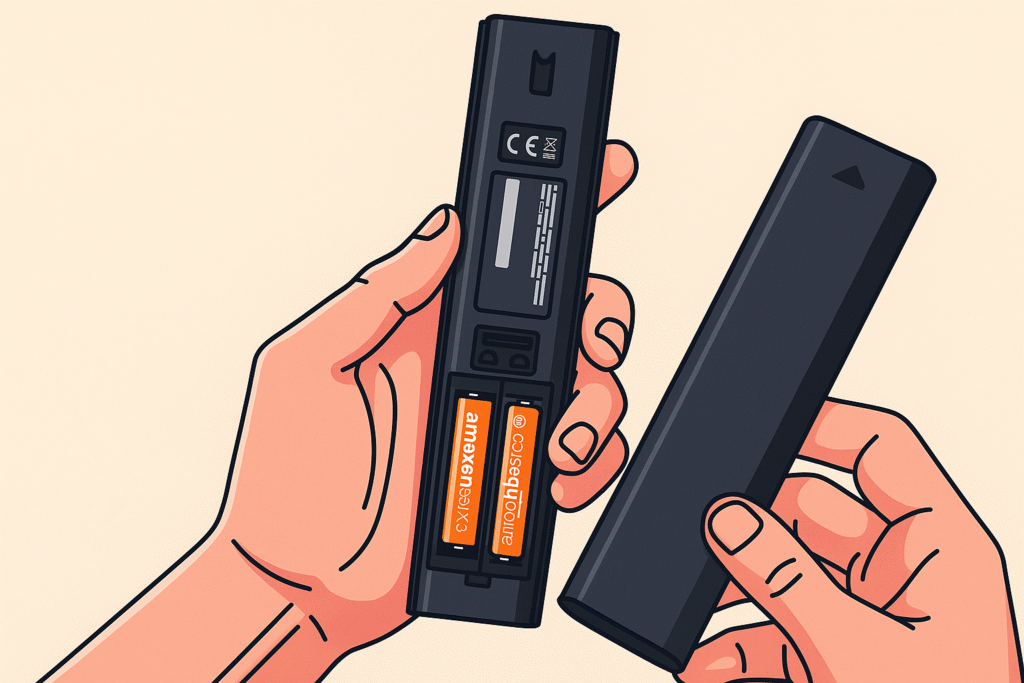
- Replace old batteries if the signal is weak.
- For connecting with Bluetooth remotes, check your TV’s Bluetooth connection.
To set up properly, check our complete Samsung remote setup guide.
Final Verdict – Which Remote Should You Buy?
Choose the remote based on your needs and affordability. Make sure that the remote is user-friendly and effective for your Samsung Smart TV.
- Samsung BN59 series is the best option for those who want a simple and easy replacement
- If you prefer advanced features, then the Samsung One Remote will be the best pick.
- If you want to control multiple devices using a single remote, the Sofabaton U2 and Logitech Harmony are better.
- If you want a budget-friendly remote, a generic Samsung-compatible remote will be a good choice.
FAQs
Can I use my old Samsung remote with a new Samsung TV?
For a new Samsung TV, I prefer a new Samsung remote because the older remote will not support your new TV. For some time, you can use it, but for long-term use, you have to buy a new Samsung remote.
Can I use a universal remote instead of buying a Samsung one?
Yes. A good universal remote can control your Samsung TV and other devices. Just make sure it supports Samsung TVs. Universal remotes have many features that can fulfill your needs, and these remotes are very useful.
If my Samsung TV doesn’t work with the remote, what can I do?
Check the sensor and batteries, also try to re-pair. After that, if the remote is not working, then the remote may be faulty. Try a new remote to pair up with your Samsung TV.
Is a phone app better than a physical remote?
As a second option, you can use the Samsung SmartThings app or other apps, but most people prefer a physical remote for daily use.
Does the remote need Wi-Fi to work?
Not all kinds of remote need Wi-Fi. Only smart remotes use Wi-Fi. Those who have a voice assistant need Wi-Fi or Bluetooth connection to work.