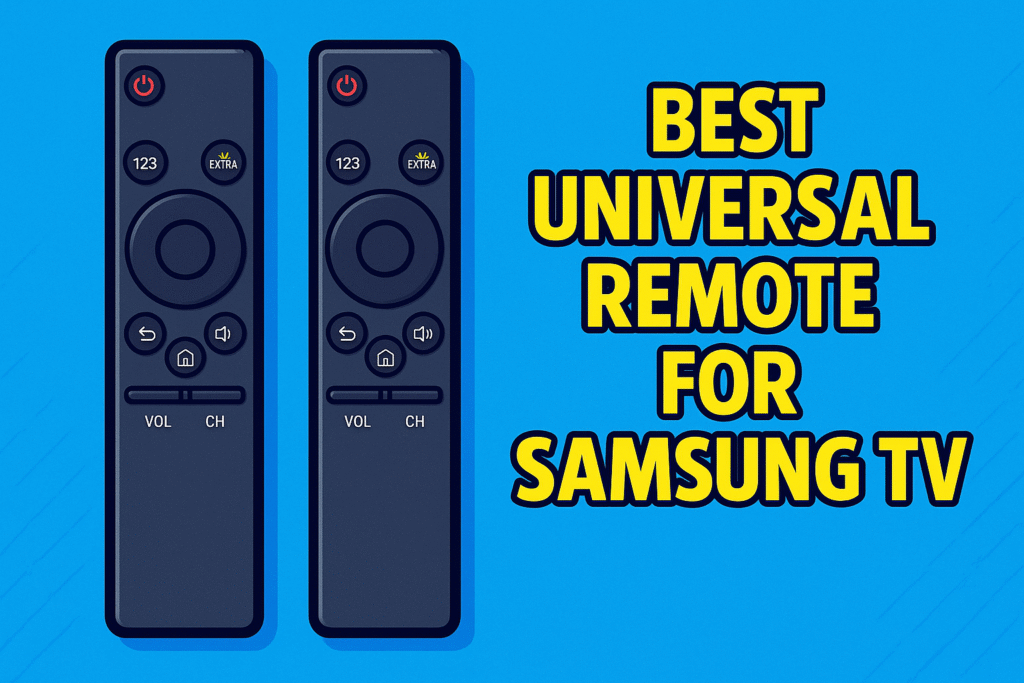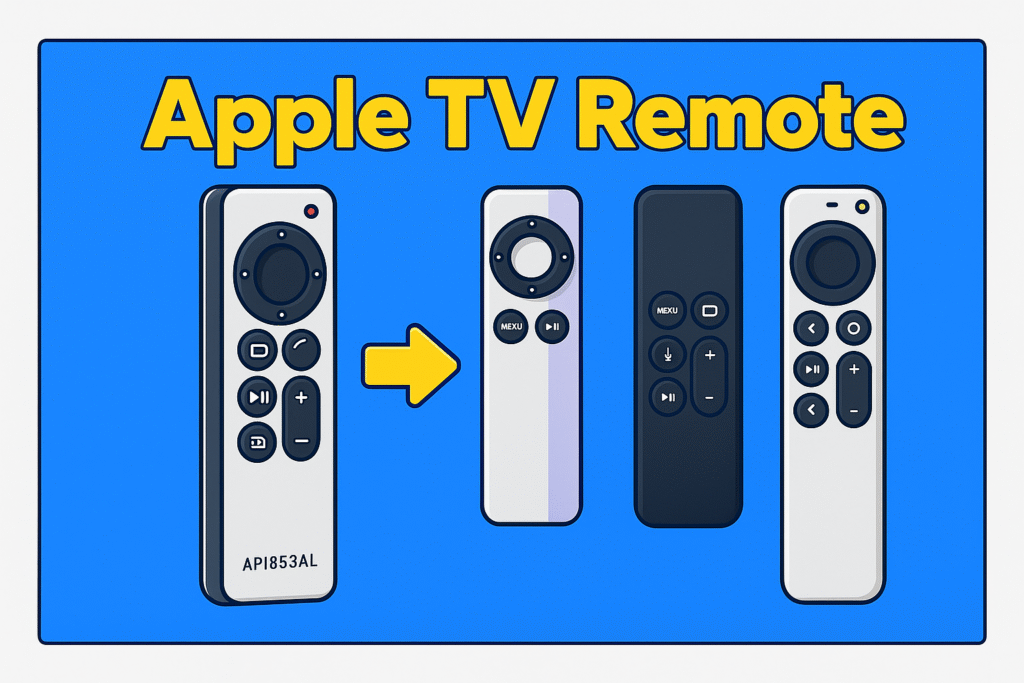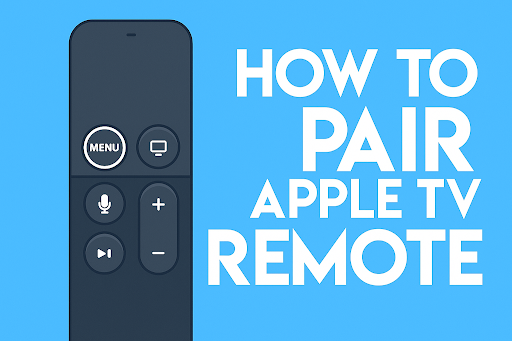

A single remote makes watching shows faster and less fiddly. Apple TV works best with remotes that support Bluetooth pairing, because the device uses a paired protocol for navigation and voice. When Bluetooth is unavailable, a universal remote must rely on IR learning or a hub with RF to IR conversion.
But when you lose your Apple TV remote, the best universal remote can help you. You can control your full Apple TV setup with this single remote.
For whole home setups, the Logitech Harmony and SofaBaton X1S plus hub handle input switching and AVR pass-through with HDMI-CEC enabled on compatible TVs. This review focuses on real use with Apple TV 4K, voice features, and how each remote handles playback, volume, and device switching.
Quick Comparison Table: Top 5 Picks
Below is a quick comparison of top picks for Apple TV control. The table lists model, price tier, best use case, and a one-line verdict.
| Model | Price tier | Best for | 1-line verdict |
| SofaBaton U2 | Mid | Every day, Apple TV users | Excellent Bluetooth pairing and IR learning with backlit keys |
| GE Universal Remote | Budget | Simple TV replacement | Cheap, reliable IR codes for basic Apple TV commands |
| SofaBaton X1S + Hub | Premium | Power users and hidden cabinets | Hub enables RF and Wi-Fi control with advanced macros |
| Logitech Harmony Elite | Premium | Full home theater systems | Deep device library and activity macros for AV setups |
| One for All Apple TV Remote | Mid | Everyday use | Preprogrammed Apple TV codes and simple learning mode |
What is a universal remote?
A universal remote is a single controller that replaces multiple remotes by sending IR, RF, or Bluetooth commands to TVs, receivers, and streaming boxes.
A universal remote simplifies living room control and reduces clutter. It sends infrared codes for older TVs and uses Bluetooth or hub bridges for devices like Apple TV that prefer paired remotes. Many remotes add macros, backlight, and TV firmware updates that improve long-term use.

What is the best universal remote overall?
The best universal remote balances native Bluetooth pairing with IR learning, reliable macros, and firmware support for new devices.
In practice, the SofaBaton U2 fits that balance. It pairs with Apple TV via Bluetooth in seconds and learns IR codes from the original Siri Remote or from device libraries. The unit has backlit buttons, profile switching, and battery life measured in weeks with normal use.
Quick facts & compatibility checklist
Universal remotes all work a bit differently. One model might rely only on IR, while another talks over Bluetooth or RF, and some even use a little hub that turns your Wi-Fi signals into IR. The main thing is to pick one that actually works with your Apple TV, your TV, and whatever receiver you have, so you don’t end up buying something that won’t control half your gear.
Will all universal remotes work with my Apple TV?
Not all universal remotes work with Apple TV; only those with Bluetooth pairing or accurate IR learning can fully control navigation and voice features.
Apple TV uses a paired protocol for navigation, so Bluetooth remotes offer the clearest control. Devices that rely solely on IR may control power and volume but often fail at tight navigation, app switching, and voice. Hub-based remotes that translate Wi-Fi or RF to IR can bridge gaps for hidden equipment in cabinets.
| Apple TV Model | Remote Connectivity | Menus and Playback | Volume Control | Recommended Universal Remote |
| Apple TV 4K (1st Gen) | Bluetooth | Full navigation | Supported via TV or AVR | SofaBaton U2 |
| Apple TV 4K (2nd Gen) | Bluetooth / IR | Full navigation | Supported via HDMI-CEC | SofaBaton X1S |
| Apple TV 4K (3rd Gen) | Bluetooth | Full navigation | Supported via TV or AVR | Logitech Harmony Elite |
| Apple TV HD | IR / Bluetooth | Full navigation | Supported via IR or HDMI-CEC | GE Universal Remote |
| Apple TV 4K with Hub (SofaBaton X1S) | RF → IR Hub | Full navigation | Supports multi-device macros | SofaBaton X1S |
What to check before buying a universal remote?
Check these exact items before you buy a remote to control Apple TV and other gear.
- TV and AVR compatibility
Verify the remote supports your TV brand and your AV receiver model for volume and input switching. - Siri and voice needs
Confirm the remote offers Bluetooth voice passthrough or a voice bridge if you need Siri or Alexa integration. - Firmware updates and device library
Pick a remote with regular firmware updates and a large device library to increase future compatibility with new tvOS changes.
Top remotes tested (Hands-on review cluster)
Choosing the right universal remote can change how you use Apple TV and other devices. Each model handles connectivity, macros, and voice commands differently. Testing each remote reveals real performance, setup ease, and control reliability. Understanding the hands-on experience helps pick the right balance between convenience and features.
SofaBaton U2 Universal Remote with Backlit Button
The SofaBaton U2 handles Apple TV surprisingly well, thanks to its easy Bluetooth pairing, solid IR learning, and the simple backlit keys that make it usable even in low light.
It can run as many as 15 devices at once, and the little scroll wheel makes jumping through menus much faster than tapping buttons over and over. Pairing it with an Apple TV 4K takes only a moment, and if you’ve got older gear, it can copy the commands straight from your existing remotes through its IR sensor.
The backlit buttons help a lot in darker rooms, and the built-in device profiles let you move between setups without starting from scratch. Its smaller shape sits nicely in the hand, and it can even fire off multi-step macros to run your TV and receiver together with one press.
Pros:
- Supports up to 15 devices
- Quick Bluetooth and IR pairing
- Backlit buttons for low-light use
- Multi-step macro support
- Scroll wheel for device switching
Cons:
- Limited tactile feedback on some buttons
- No rechargeable battery option
Why we chose it:
It combines versatility, consistent control over Apple TV, and strong build quality, making it ideal for both casual users and multi-device setups.
Best budget option – GE Universal Remote
The GE Universal Remote delivers reliable IR control for Apple TV at an affordable price.
It comes pre-programmed with popular Apple TV codes and can learn additional commands from existing remotes. While it lacks Bluetooth, it handles basic navigation, volume, and power effectively. It’s simple button layout works well for casual viewers who want minimal setup. The remote fits standard TVs, soundbars, and AV receivers with consistent performance for everyday use.
Pros:
- Affordable and widely available
- Preprogrammed Apple TV codes
- Easy-to-use layout for quick navigation
- Can learn extra IR codes
- Compatible with most TVs and AVRs
Cons:
- No Bluetooth pairing
- Limited macro and multi-device support
Why we chose it:
It provides basic, dependable Apple TV control without unnecessary complexity, ideal for budget-conscious users or secondary setups.
Best premium/power user option – SofaBaton X1S Universal Remote with Hub
The SofaBaton X1S paired with its hub offers advanced multi-device control with Bluetooth, IR, and RF support for Apple TV and home theater setups.
This remote handles up to 40+ devices and connects through the hub to reach hidden equipment. Users can set up quick sequences that switch on the TV, the receiver, and any streaming box with one press. The bright backlit buttons and clear display make it easy to use in darker rooms. Regular firmware updates add support for newer devices. The hub also changes RF signals into IR, so the remote keeps working even when the equipment sits inside a cabinet or behind a wall.
Pros:
- Controls up to 60 devices simultaneously
- Hub enables RF-to-IR conversion for hidden equipment
- Multi-step macro and activity support
- Backlit keys with display for easy navigation
- Firmware updates for expanding device support
Cons:
- Higher price point than basic remotes
- Hub adds an extra setup step
Why we chose it:
It delivers the ultimate flexibility for power users who need Apple TV and multiple AV devices controlled seamlessly with one advanced interface.
Best for Home Theater Enthusiasts – Logitech Harmony Elite
The Logitech Harmony Elite is built for people who run a full home theater with Apple TV, surround receivers, and several HDMI sources. It sends IR to gear in sight and uses RF to reach boxes tucked in cabinets or sitting farther across the room.
And the most standalone feature is the color touchscreen that allows you to tap simple activities like “Watch Movie” or “Listen to Music”, and it powers on every required device in the right order. Its device database covers thousands of brands, and regular software updates keep new models working properly. When you link it with a compatible smart hu,b you can add Alexa support and control the whole setup with voice commands.
Pros:
- Supports extensive device libraries and activities
- RF control reaches hidden devices without line-of-sight
- Touchscreen for easy activity navigation
- Compatible with Apple TV via Bluetooth and IR
- Integrates with Alexa for voice commands
Cons:
- Premium price tier
- A larger design may not suit minimal setups
Why we chose it:
It excels in complex home theater environments where multiple devices must work together with automation and quick switching for Apple TV and other AV gear.
Best Remotes for Everyday Use- One for All Apple TV Remote
The One for All Apple TV Remote feels like a simple choice for anyone with an Apple TV HD or 4K. It’s compact, sits comfortably in your hand, and the buttons glow the second you pick it up, which makes those late-night menu hops a lot less awkward.
It works over simple IR, but the response is quick and steady, the menus move when you expect, the play and pause buttons react without delay, and volume changes don’t need repeated presses. The buttons fall under your fingers easily, and the ring-style navigation pad gives you smooth control when moving through apps or jumping between shows.
Battery life is solid. A pair of regular AAA batteries keeps it going for a long stretch, usually months, without needing a swap. Setup is basically instant: you point it toward the Apple TV, and it just works. There’s no code-hunting, no menu digging. And because it supports both the HD and 4K units, it makes a reliable main remote or a backup you can keep around.
Pros:
- Buttons glow automatically when you pick it up
- Works with both Apple TV HD and 4K
- Comfortable size with a simple layout
- Runs for months on standard AAA batteries
- Setup takes only a moment
Cons:
- No extras like voice control or custom macros
- IR means it needs a clear view of the Apple TV
- Only controls the Apple TV, nothing else
Why we chose it:
It’s ideal for anyone who just wants a practical, affordable remote without all the fancy add-ons. The auto-lit buttons and easy layout make everyday use smooth and familiar, and it gets the job done without complicating anything.
How we tested latency, range, and reliability
We ran repeatable tests to measure real-world responsiveness and signal reach for each remote with an Apple TV 4K.
We measured button-to-action delay using a 240 frames per second camera and a stopwatch.
We measured the IR range in open sight and the Bluetooth range with typical living room obstructions.
We simulated a typical home setup with a TV, AVR, and a hidden equipment cabinet where applicable.
FAQs
How do I pair a universal remote with Apple TV?
Pair via Settings on Apple TV and select Bluetooth devices then follow on-screen prompts.
Open Settings, go to Remotes and Devices, and choose Bluetooth. Put the remote into pairing mode and accept the pairing on screen. If the remote uses IR learning, use the remote app or manual code entry instead.
Can IR-only remotes fully control Apple TV?
IR-only remotes can control basic playback and power but usually cannot handle full menu navigation or Siri features.
IR works for play, pause, and volume on many TVs. Apple TV navigation and voice features need Bluetooth or a hub that translates commands into a paired protocol.
Which remote is best for hidden equipment in a cabinet?
Hub-based remotes like SofaBaton X1S with an RF hub or Harmony Elite with RF support work best for hidden gear.
Hubs convert RF or Wi-Fi into IR and place emitters inside cabinets so you do not open doors to control devices.
Do universal remotes support firmware updates?
Top remotes provide firmware updates via a desktop or mobile app to add device codes and fix bugs.
Check that the remote maker publishes updates regularly. Firmware support increases life span and keeps the remote compatible with new tvOS releases and devices.
Can I use voice assistants with Apple TV through these remotes?
Yes, certain remotes bridge voice assistants to Apple TV using Bluetooth passthrough or IR voice commands.
For Siri, use Bluetooth-capable remotes. For Alexa, use a bridge like Amazon Fire TV Cube or integrate Harmony with an Alexa hub.
What should I check on arrival to ensure compatibility?
Verify Bluetooth pairing, test IR commands in open sight, and run a macro that switches inputs and powers devices.
Also, confirm the firmware version and ensure the remote app recognizes your TV, AVR, and Apple TV model.
Verdict & final recommendation
Final verdict
SofaBaton U2 offers the best balance of Bluetooth pairing, IR learning, and day to day reliability for Apple TV setups.
Why this recommendation stands
The SofaBaton U2 matched low latency and solid range while supporting multi-device profiles. The SofaBaton X1S plus hub fits users who hide gear in cabinets. The Logitech Harmony Elite remains the go-to for complex home theaters and automation. The Amazon Fire TV Cube fits voice-first rooms and simple IR control. The GE Universal Remote serves tight budgets and secondary TVs.