What is a TV Remote?
A remote or clicker, also called a remote control, is an electronic gadget that is used to remotely control another electronic device, typically without any wires. Consumer electronics, a television set, DVD player or other digital home media appliance can be operated by a remote control.
The Surprising Birth of TV Remote Controls
In the 1950s, Zenith made the first remote. They called it Lazy Bones. It worked with a wire across the room. People liked the idea but hated the cord.
Zenith then tried Flashmatic. It used light to control the TV. No wires. Just point and click. Cool for the time, right? But sunlight often fooled it. On bright days, the TV switched channels by itself.
In the 1980s, IR remotes became popular. Point at the TV and click, it worked. Then the RF remotes came. They worked from anywhere in the room. The 1990s brought universal remotes. One device controlled many gadgets. By the 2000s, smart remotes arrived. They added voice, apps, and touch screens.
Types of TV Remote Controls:
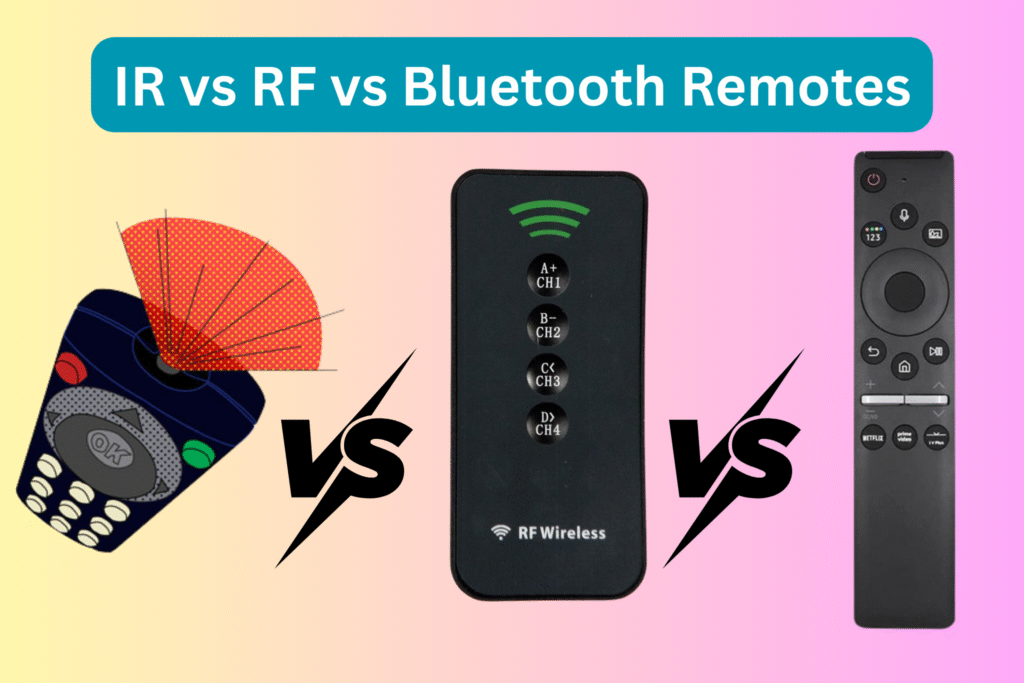
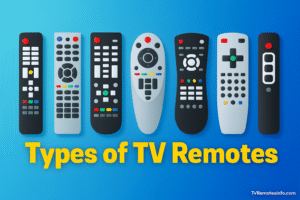
TV remote controls may look similar, but they operate using different technologies and connection methods. Some rely on light signals, others use radio frequencies, while newer models connect through Bluetooth or Wi-Fi. Alongside these technologies, you’ll also find multiple styles such as smart remotes, universal remotes, and brand-specific controllers from companies like Samsung, LG, Sky, and Xfinity.
Let’s break down the major remote types so you can clearly understand how each one works.
IR (Infrared) Remotes
Infrared remotes are the most traditional and widely used TV controllers. They work by sending pulses of infrared light from the remote to a sensor on the TV.
These remotes operate within a specific tv remote control frequency range (typically around 30–60 kHz). If you’re wondering what signal do tv remotes use, IR remotes transmit encoded infrared light signals that must have a direct line of sight to the TV.
Key traits
-
Requires pointing directly at the TV
-
Affordable and battery-efficient
-
Common in older and budget TVs
-
Limited multi-device control
Bluetooth / RF Remotes
Bluetooth and RF remotes represent modern connectivity. A smart tv bluetooth remote communicates using radio signals rather than light, allowing control without pointing directly at the TV.
Key traits
-
Works through walls and obstacles
-
Supports voice commands and smart features
-
Faster pairing and responsiveness
-
Common in premium smart TVs and streaming devices
Voice-Activated Remotes
Voice remotes integrate microphones and AI assistants, allowing hands-free control of TV functions and apps.
Examples include the samsung voice tv remote and samsung smart tv remote with youtube button, which combine Bluetooth connectivity with voice assistants like Bixby or Alexa.
Key traits
-
Voice search and smart home control
-
App shortcut buttons (YouTube, Netflix, etc.)
-
AI assistant integration
-
Requires pairing for full functionality
Magic / Air Remotes
Magic or air remotes introduce motion control technology. The magic remote for lg tv acts like a mouse pointer, letting users navigate menus by moving the remote in the air.
Key traits
-
Motion-based cursor control
-
Voice and scroll wheel navigation
-
Faster menu interaction
-
Ideal for web browsing on TV
Smart remotes vs Universal vs Brand-specific
Smart Remotes like the Samsung Smart TV Remote or the LG Magic Remote include voice, apps, and even touch controls. Perfect for modern smart TVs.
Universal Remotes such as RCA Universal Remote, GE Universal Remote, or One For All Universal Remote can control TVs, sound bars, Blu-ray, and streaming sticks. They cut clutter, but the setup can confuse new users.
Brand-specific remotes (Samsung TV Remote Replacement, Vizio Remote Control, Sony Bravia Remote) work smoothly with one brand. They deliver the best match but can’t handle other devices.
Pros and Cons: Strengths & Weaknesses
IR Remote: Cheap, reliable, but needs line of sight.
RF Remote: Works anywhere, but costs more.
Bluetooth Remote: Smart features, but may drop connection.
Smart Remote: Modern, but pricey.
Universal Remote: One for all, but tricky to program.
Brand-Specific Remote: Best fit for one TV, but limited.
How TV Remotes Work: The Basics
TV remotes are used to operate your TV and they connect via either infrared (IR), radio frequency (RF) or Bluetooth.
- Infrared (IR): Most common. Transmits instructions through pulses of light. Needs to see TV–classified as need not go through objects.
- Radio Frequency (RF): Radio waves are in use. Is able to pass through walls/furniture and does not have to point directly at the television.
- Bluetooth: Radio waves also are used. Proposals establish short-range communication (less than 30 feet). Can be found on smart remotes with options such as voice control.
Line of Sight vs Non-Line of Sight
- IR remotes IR remotes require a transparent line of vision to the TV sensor.
- Both RF and Bluetooth remotes do not require line of sight, which makes them more adaptation-friendly.
Comparison Table
| Remote Type | How It Works | Pros | Cons | Best For |
| IR Remote | Infrared light | Cheap, easy to replace, widely used | Needs direct aim, blocked easily | Basic users (Vizio, Sony, Panasonic |
| RF Remote | Radio Frequency | Works anywhere, no aiming | Cost more, fewer options | Families, Dish, and Roku TV users |
| Bluetooth | Wireless pairing | Voice search, smart features | Needs pairing, may drop signal | Fire Stick, Google TV, and LG Smart TV owners |
| Smart Remote | Voice, apps, touch | Advanced control, app integration | Higher price, only for smart TVs | Samsung Smart TV, LG Magic Remote Fans |
| Universal | Multi-device codes | Controls TV + sound bar + players | Setup may confuse beginners | RCA, GE, One for all users with many devices |
| Brand Specific | Fixed to one brand | Smooth, best fit for that brand | Limited to the brand only | Samsung, LG, Vizio, Sony loyal Owners |
Zigbee / RF4CE Remotes
RF4CE and Zigbee are low-power wireless standards specifications, which are oriented towards low-latency communication. They are commonly utilised in smart house systems, cable boxes and high-tech television systems. When your installation includes a cable company or an integrated smart home, there are good odds you are already using Zigbee or RF4CE without knowing it.
Advantages:
- Reduced energy consumption, i.e. extended battery life.
- Very low resistance to interference compared with generic RF.
- The capacity to facilitate two-way communication (remote and device exchange information).
Wi-Fi Direct Remotes
The Wi-Fi Direct remotes are based on the same technology as the one that connects your phone or laptop to the internet. Wi-Fi Direct does not pass through your home router, but establishes a peer-to-peer connection between a remote device and the TV.
Advantages
- High bandwidth, enabling sophisticated functionality such as video streaming from a remote to a television set.
- Stable connections without much interference, as compared to Bluetooth.
- It can be used not only with TV can also sometimes supports gaming or content casting.
Drawbacks
- Greater battery current relative to IR or RF.
- Wi-Fi Direct remotes do not work on all TVs.
- Slightly more expensive.
Smartphone & App-based Remotes
Google TV app, Apple TV Remote app, and Roku mobile app are all apps that can be used to fully control TVs and streaming sticks. They come in particularly useful when the physical remote gets lost or ruined.
Advantages
- You carry your phone everywhere–you do not need an additional device.
- It is easy to type or search using touchscreen controls.
- There are built-in advanced features such as voice search and app integration.
Drawbacks
- TV and phone must be on the same Wi-Fi network.
- Not necessarily as fast as a physical button remote.
- The phones lose power quickly, whilst traditional remotes last longer.
Best-Selling TV Remote Controls and Top Picks for 2026
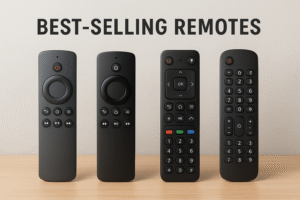
TV remote controls keep evolving, and 2026 brings some clear winners. These models stand out for their features, ease of use, and trusted brand support. Here are the best-selling picks with real prices in the USA.
The Roku Voice Remote Pro remains a favorite for streaming fans. At $29.99 (Best Buy), it offers hands-free voice search, private listening with headphones, and a rechargeable battery.
Amazon’s Alexa Voice Remote Pro also ranks high. Priced at $27.99 (Best Buy, often on sale), it adds backlit buttons, customizable shortcuts, and quick Alexa access.
Samsung’s sleek SolarCell Remote catches attention with an eco-friendly design. It costs $59.99 on Samsung’s store and often drops to $49.99 at Best Buy. No batteries needed, it charges with light.
LG users love the LG Magic Remote MR23GN, priced at $49.99 (LG Store). It supports motion control, voice commands, and easy pairing with LG TVs.
For budget buyers, the Vizio Voice Remote (XRT270R) is a strong choice at just $19.99 (Vizio Shop). It includes voice support and quick app buttons.
Google’s Voice Remote for Chromecast with Google TV replacement keeps things simple at $19.99 (Google Store). Compact and intuitive, it makes streaming smooth.
If you want one remote for all, the GE 4-Device Backlit Universal Remote is unbeatable at $7.23 (Home Depot). Affordable and reliable, it handles TVs, sound bars, and more.
For advanced users, the One For All Smart Control sells for $59.99 (Best Buy). It controls up to six devices, including smart TVs, sound systems, and streaming boxes.
These picks prove that whether you need a budget option, a smart upgrade, or an eco-friendly design, 2026 has the perfect TV remote control for your home.
Keeping the Remote Out of Your Life
Imagine this. You sit down to watch TV. You look around. The remote is gone. Panic hits for a second. But you still have options.
Built-in TV Buttons
Every TV has buttons. They sit under the screen or on the side. Power, volume, and channel. Not fancy, but they work. When the remote disappears, those buttons save the night.
Smartphone Apps
Phones turn into remotes too. Samsung SmartThings runs Samsung TVs. LG ThinQ controls LG screens. The Roku app handles Roku TVs and sticks. Open the app, connect to Wi-Fi, and tap your screen. It feels like using a real remote.
Smart Assistants
You can also use your voice. Alexa, Google Home, or Siri answer simple commands. “Turn on the TV.” “Volume up.” “Play Netflix.” No buttons. No remote. Just your voice running the show.
Life without a remote is not the end. It’s just another way to stay in control.
TV Remote Controls: Pair, Program & Power Up
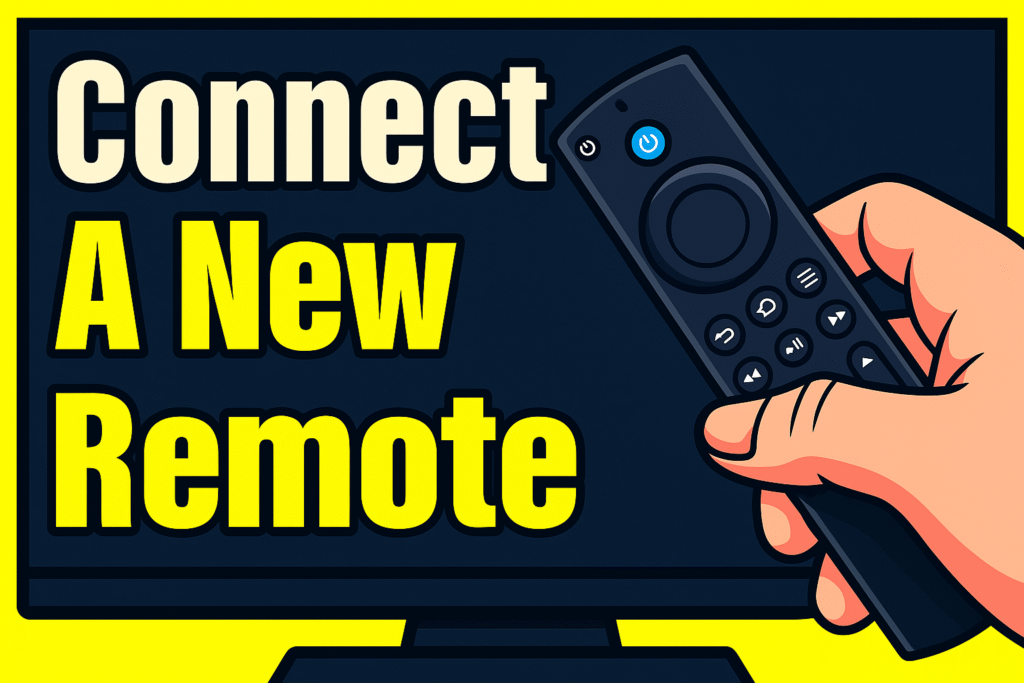
Every TV remote looks simple, but setting it up the right way makes a huge difference. A good setup means smooth control, fewer problems, and better comfort. Let’s go deeper into the main steps.